Community App Development: Members, Content, Events and MVP Scope

7 min read
Quick answer
Community app development starts with a specific group and a reason for its members to return. Scope a complete first journey: join, find or publish useful content, interact, and take a relevant action such as attending an event.
Include the operating work behind that journey: member access, content review, activity updates and support. Chat, marketplaces, personalised recommendations and rewards can follow when they serve an observed need. A campus, hobby or club app does not need all of them to begin.
- Choose one member group and one useful participation loop.
- Ask suppliers to show comparable workflows and identify their delivery role.
A community founder might describe the product as a student network, a car club, a local interest group or a member platform. Those labels identify the audience, but leave the important product questions open: what will people contribute, who will respond, and what happens next?
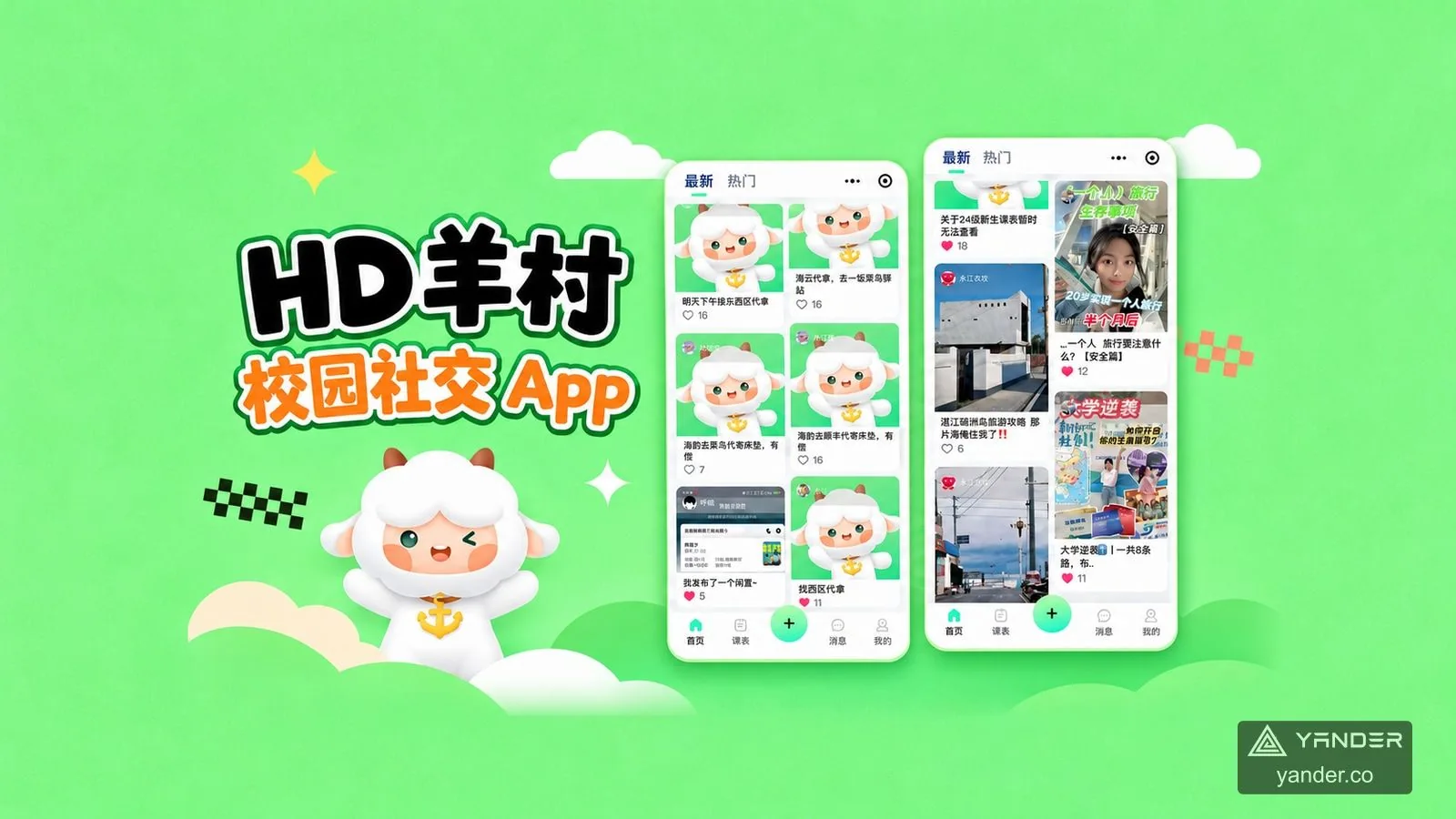
The HD 羊村 campus social app offers one concrete example. Its community feed sits alongside campus information, activity companions, nearby places and peer help. Members can arrive with a practical need and encounter other people through it.
Use this guide to prepare a community app brief for mobile app development. The aim is a useful first release with a clear operating model, rather than a collection of familiar social screens.
Choose the members and the reason to participate
Name the first member group narrowly enough to understand its daily context. University students on one campus, owners in a specialist car club and members of a local outdoor group have different reasons to open an app.
Write the trigger and the expected result: find an activity partner for this weekend, ask a question that other members can answer, or share something useful with a known community. Identify who will supply the initial content and respond before the community is busy.
A broad public network and an invitation-only member app also require different access decisions. Agree who can join, what visitors can see and who handles membership questions before estimating the feature list.
Build the first release around a participation loop
An MVP should let a member finish something worthwhile. For an activity community, that could mean finding a relevant post, checking an event and signing up. A feed without useful content or a registration that nobody manages leaves the journey incomplete.
Use the table to separate the core path from additions. These are scoping choices for a new product, not a claim that every feature appears in the HD 羊村 case.
| Member need | First-release decision | Add when the need is clear |
|---|---|---|
| Join the community | Account access, essential member details and visibility rules | Multiple organisations or complex verification |
| Find and contribute | A useful feed or categories, publishing and understandable post states | Personalised ranking and many content formats |
| Interact | The replies, follows or saved items needed for the main journey | Direct messaging or real-time group chat |
| Participate in an event | Time, place, organiser, joining method and updates | Paid tickets, waitlists or recurring event programmes |
| Operate the service | Named owners for member issues, reports and activity changes | Advanced analytics, rewards or a marketplace |
Connect members, content and interaction deliberately
Decide what members need to know about one another. A display name and interests may be enough for a hobby group; a campus or professional community may have additional access requirements. Ask which details are necessary and who is allowed to view them.
Then describe the content that makes the group useful. Questions, recommendations, photo posts, listings and companion requests need different fields and categories. Start with the formats that support the main journey, including empty, pending, edited and removed states where relevant.
Choose interaction for its purpose. Comments can keep an answer with its question, while an event page can keep participation information in one place. If private messages or group chat are needed, include membership permissions, notifications, reporting and ongoing operation in that separate scope.
Make events a complete path from discovery to participation
For each activity, specify the organiser, date, meeting place, participation conditions and method of joining. A member should be able to tell whether they have only expressed interest or actually registered.
Plan what happens when the organiser changes the location or cancels. Agree how participants find the latest information and who handles questions. Activity photos or a follow-up post can bring the experience back into the community.
HD 羊村 presents activity categories, times, locations, registration links and albums. That supports a discussion about community participation. If the activity also needs routes, travel groups or club operations, use the outdoor app development guide to describe that wider journey.
Include community operations in the development brief
A community needs people who can act when content is reported, an event becomes outdated or a member needs help. Put those tasks alongside the member-facing screens in the proposal.
Agree the visibility and authority of each operating role. An event organiser may update their own activity without gaining access to every member record. Content review, account issues and deletion requests need named responsibilities and a usable support path.
These are requirements to agree for your product. Portfolio screenshots can show a relevant member journey, but they do not prove every moderation tool or permission rule. Ask the delivery team to demonstrate the operating work included in its scope.
- Identify who handles reported content and how members see the outcome.
- Assign responsibility for outdated or cancelled activities.
- List the member and content data each role actually needs.
Read the HD 羊村 case for relevant product decisions
The published HD 羊村 case covers an App and WeChat Mini Program. Original feature posters show community feeds and interactions, academic information, student shops and secondhand listings, nearby places, activities and peer-help requests.
The useful lesson is how shared identity and practical needs can give members reasons to participate. A student can check information, find an activity or request help without those tasks being reduced to the same generic feed.
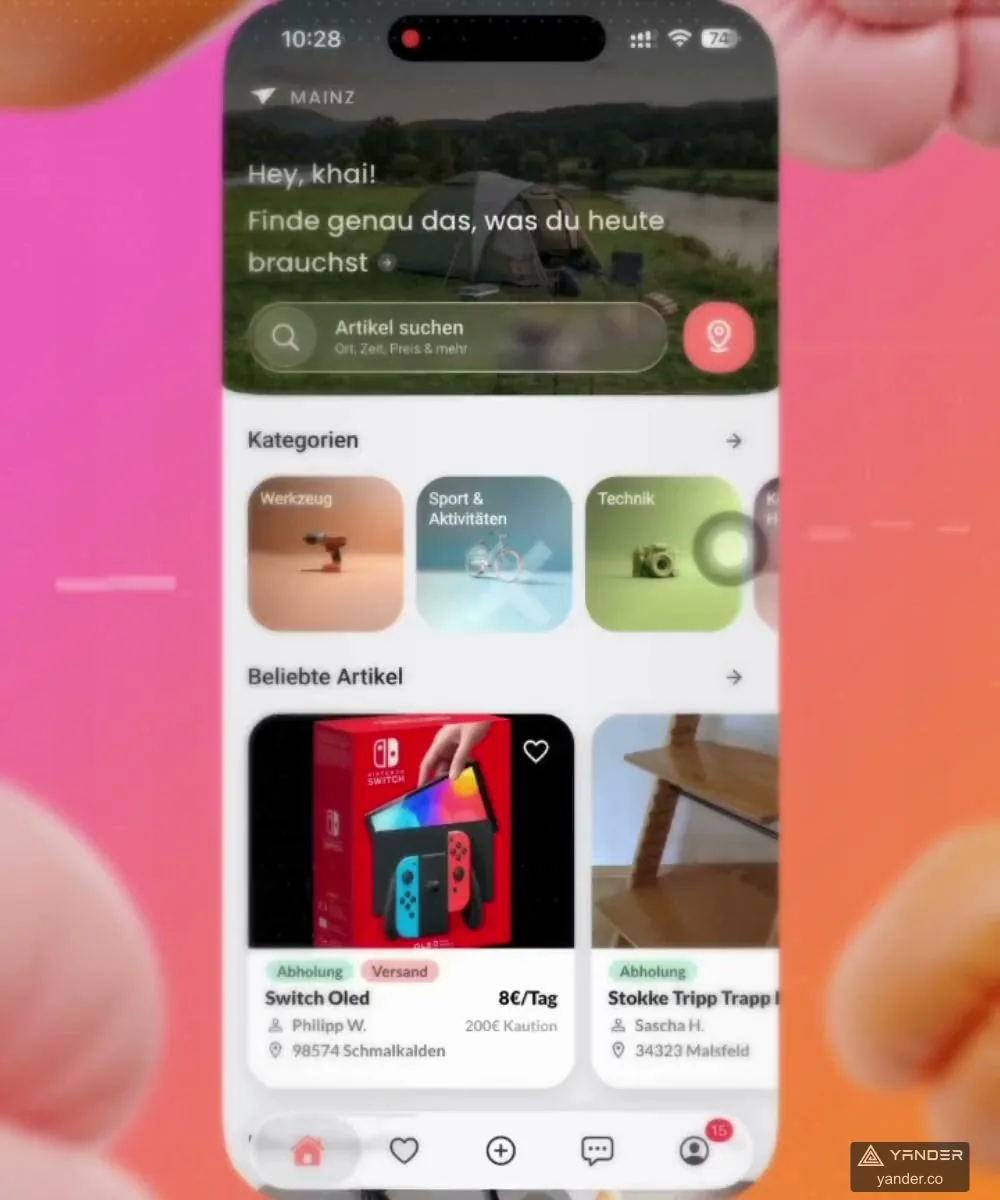
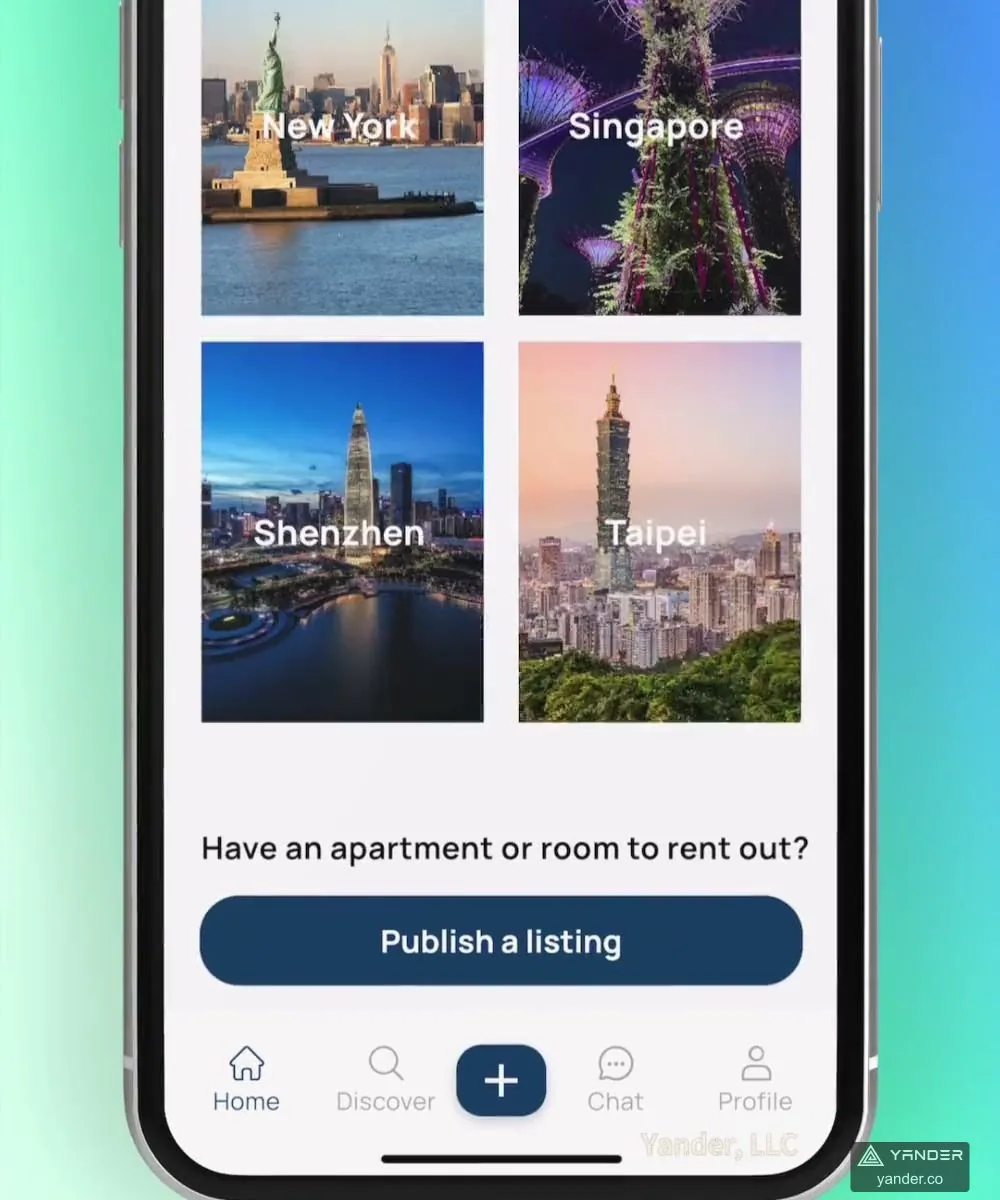
For another community model, Livingo connects a shared profile with housing and roommate discovery, student community and chat. It provides a separate reference for profile-led discovery and conversation; those chat features should not be attributed to the HD 羊村 activity screens.
Use the case to ask which parts match your audience. A car club may need vehicle profiles instead of academic information; a professional community may need discussion topics instead of secondhand listings. Keep the shared member journey, then scope the differences. The activity evidence does not establish real-time group-chat delivery.
Send a brief that a development team can evaluate
Describe the first members, the content they need and the action that makes participation useful. State the launch countries, languages, platforms and any existing designs or member data. For an international launch, include how content and member support will be handled in each launch language.
Ask the team to return the proposed member journey, operating tasks, deferred modules and examples for acceptance. One useful test is a member finding an activity, joining it and receiving a clear update when the organiser changes it.
Use the app development company selection guide to compare delivery roles and English collaboration, and the app cost checklist to compare the same scope. Relevant evidence is more informative when each supplier explains how it applies to your community.
- Who joins, and why will they return?
- What can members publish, discover and do together?
- Who operates content, membership and events?
- Which optional modules can wait until after the first release?
Put this into practice
Explore the related work and delivery scope.
- Mobile app development
Discuss the member experience, backend and operating tools with our Guangzhou team.
- HD 羊村 campus social app
Review community, activities and practical campus-life interfaces.
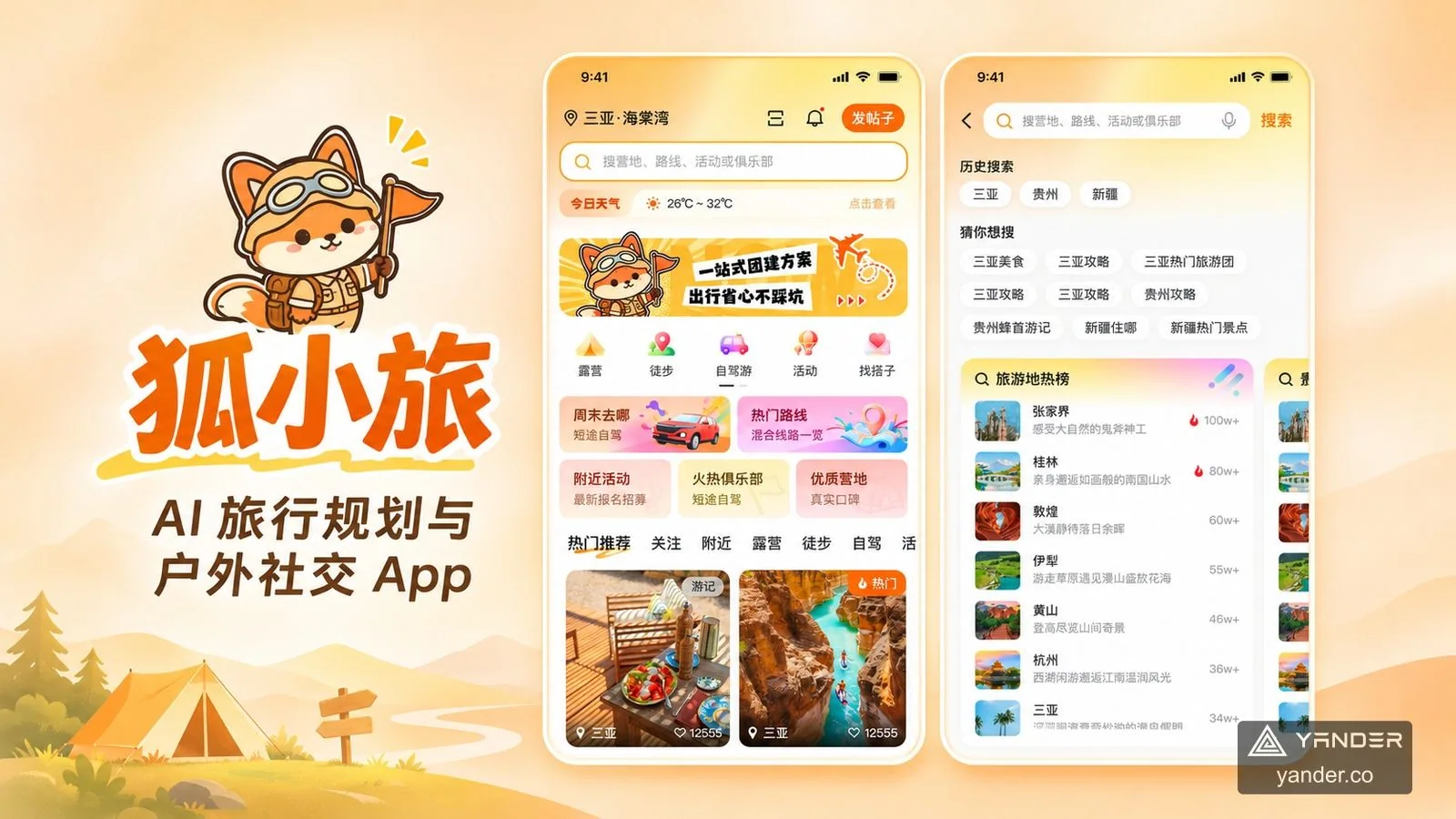
- 狐小旅 outdoor community app
Explore routes, companions and club-related travel workflows.
- Outdoor app development
Extend a community into routes, group trips and club operations.
- Choose an app development company in China
Compare relevant evidence, English collaboration and delivery responsibilities.
- App development cost checklist
Make first-release and operating scope comparable across proposals.
Sources and scope
- HD 羊村 campus social app
Owner-confirmed App and WeChat Mini Program delivery. Original feature posters support community feeds, campus information, activities, listings and peer help; they do not establish group-chat delivery or measured engagement results.
- 狐小旅 AI travel and outdoor community app
Owner-confirmed app design and development. The documented product scope covers routes, GPS recording, companions, clubs, bookings and editable AI itineraries. The public gallery includes original homepage explorations, search and feedback interfaces; it does not demonstrate live convoy sharing.
- Livingo housing and roommate community
Published profile, roommate matching, community discovery and chat scope. Used as a supplementary community reference, separate from the HD 羊村 activity evidence.
Plan your community app’s first useful journey
Share who the members are, what they will contribute or join, the launch countries and the operating team behind the community.
Discuss a community app