Build internal tools around the work between screens

2 min read

A request can appear simple on one screen while crossing a spreadsheet, a chat thread, and an approval queue before anyone finishes it. The tool’s scope should follow that request through the whole process.
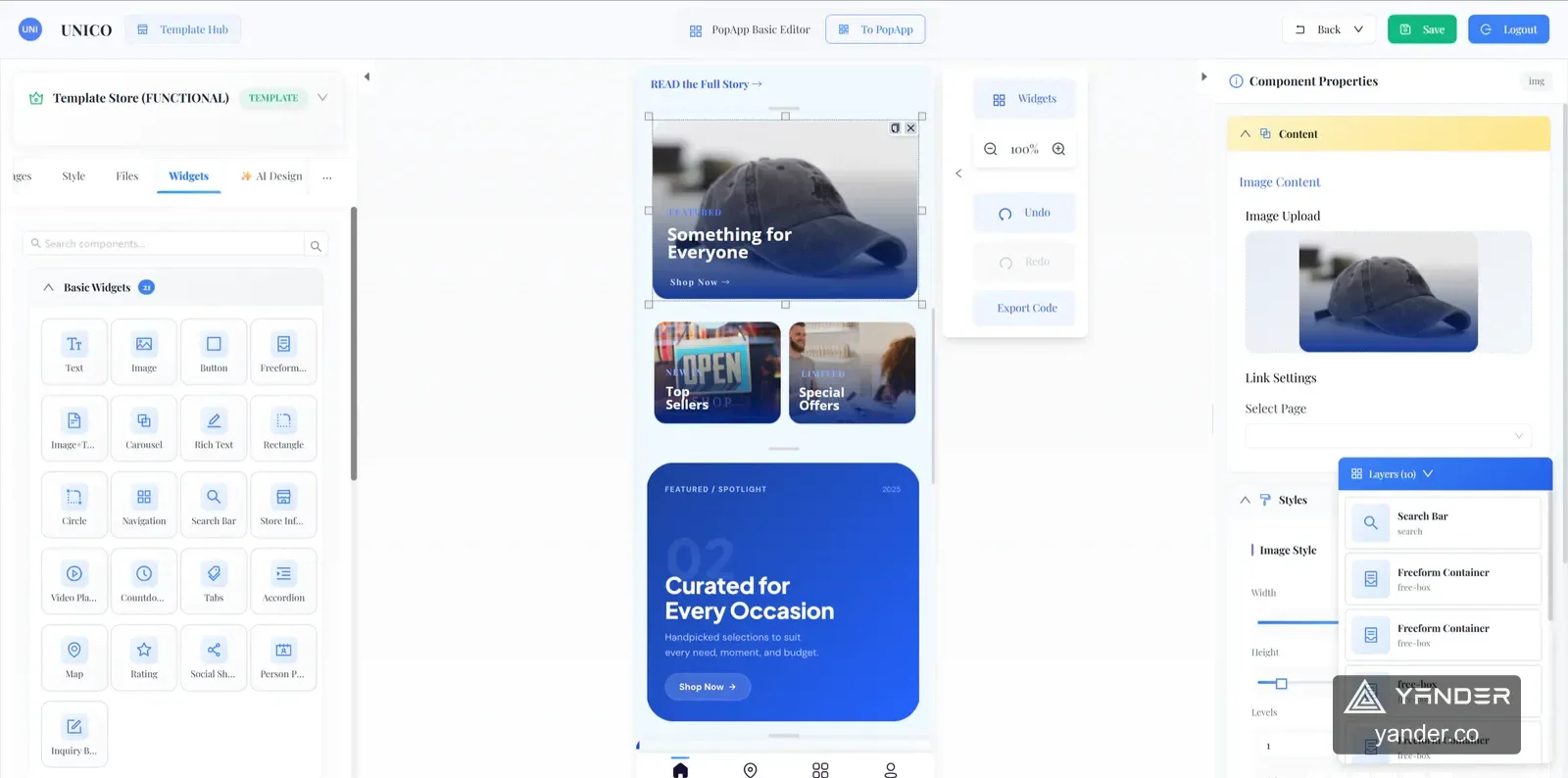
Unico’s merchant workspace provides a public example of connecting customer-facing requests to day-to-day operations. For an internal system, the same questions apply: who owns the work, what state is it in, and what can happen next?
Trace one request across the business
Follow a real request from arrival to resolution. Note the spreadsheets, messages, and approvals involved along the way.
Choose the smallest slice that removes a repeated handoff. This gives the first version a clear outcome and a manageable scope.
Model states before adding screens
List the states a request can be in, who can move it forward, and what information is needed for each transition.
Make waiting, ownership, and exceptions visible. A shared queue is useful only if people understand what they should do next.
Ship with a clear owner
Agree on who maintains the tool, how issues are reported, and how data is exported if the process changes.
Watch the first users complete actual tasks. Use those observations to improve the workflow before adding more features.
Put this into practice
Explore the related work and delivery scope.
- Related project: Unico
Inspect the published product workflow and delivery context.
- Explore the relevant service
See the engagement scope and start a specific project conversation.
Follow one request from start to finish
Share the current tools, roles, approvals, and a recent example of work moving between them.
Discuss an internal tool