Small-business SaaS / Commerce
Bringing storefronts, bookings, orders, and payments into one lightweight platform
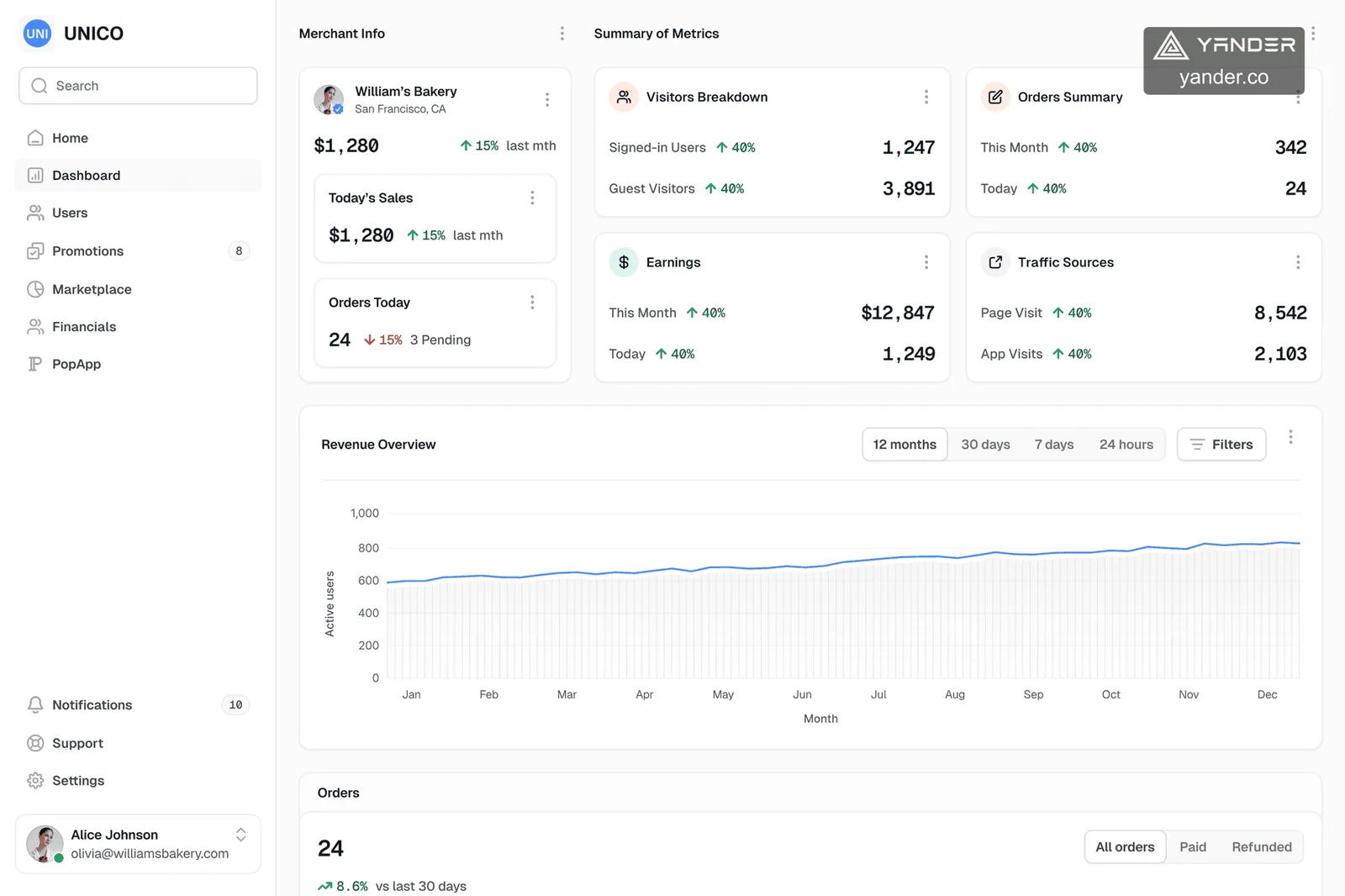
Unico gives sole proprietors, small businesses, and event organizers a professional web storefront, visual builder, event web app, real-time operations dashboard, and flexible payment options without asking customers to download an app.
- Industry
- Small-business SaaS · Commerce
- Platforms
- Web storefront · Merchant dashboard · Event web app
- Services
- Product strategyUX/UIWeb platform
Overview
Small businesses need a digital front door without an enterprise-sized operating burden
Many independent businesses still coordinate sales through social messages, texts, and paper. A website alone does not resolve the operational gaps behind missed requests, scattered customer details, and manual follow-up.
Unico connects the public storefront with the merchant’s daily workspace. The same platform supports brand presentation, service booking or product ordering, customer management, payment choice, publishing, and ongoing updates.
- Audience
- Sole proprietors
- Customer access
- Browser, no download
- Operations
- Bookings + orders + events
- Payments
- Cards + transfers
Public product interface
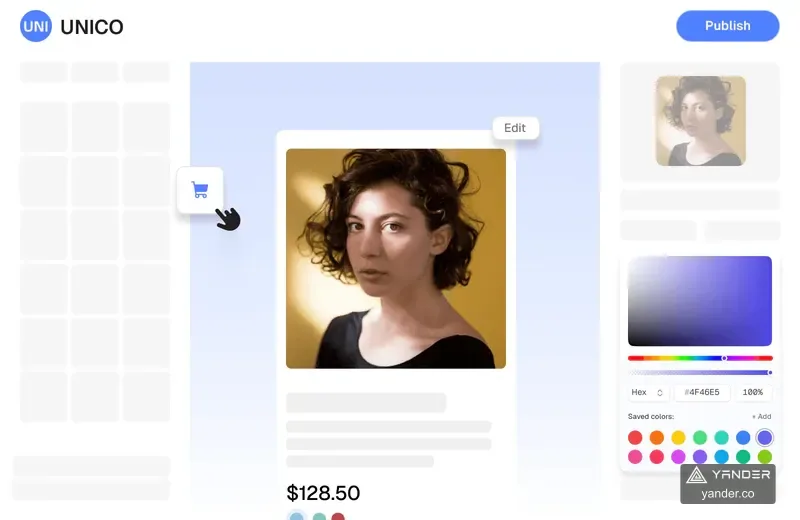
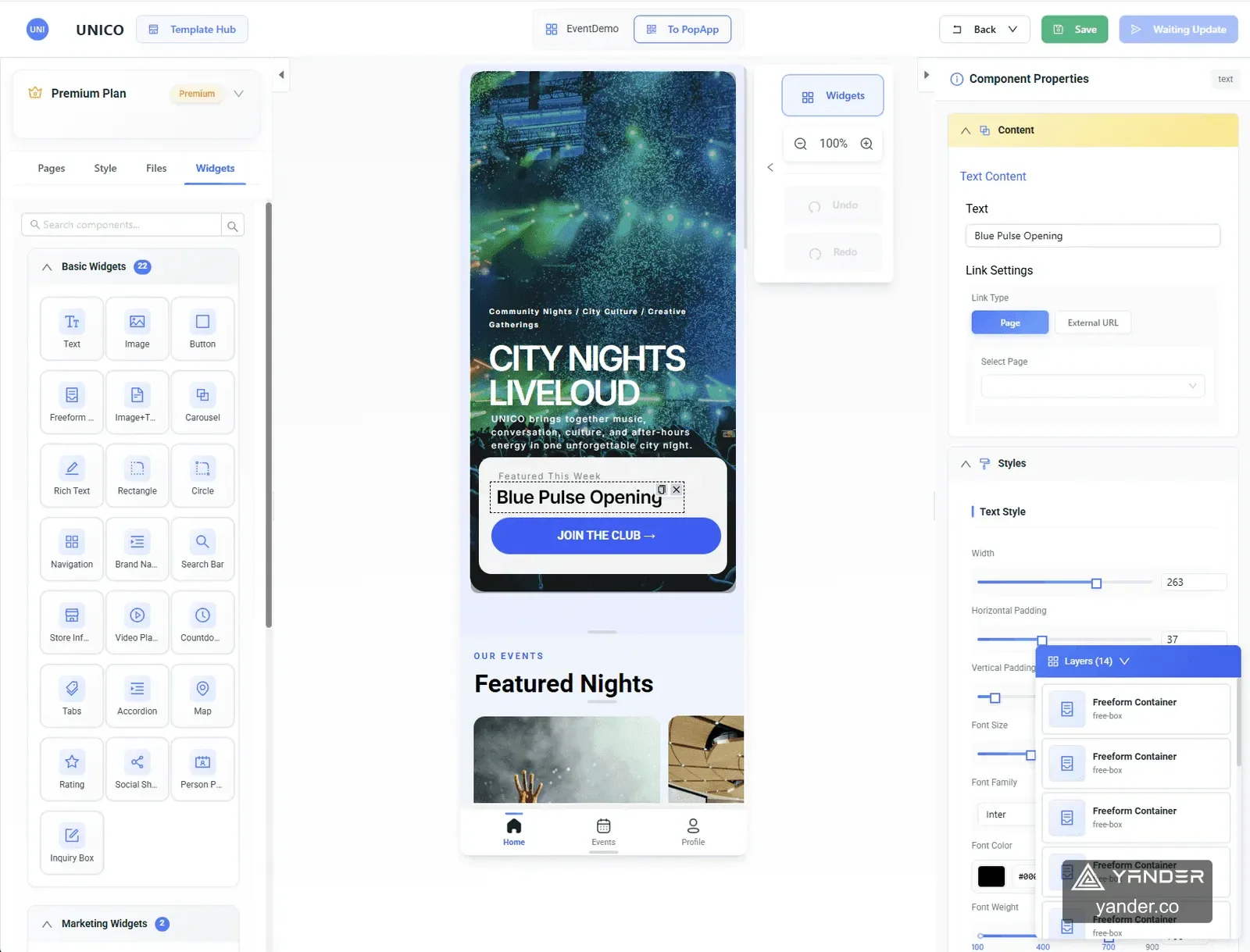
Drag-and-drop control at the center, customer and merchant flows around it
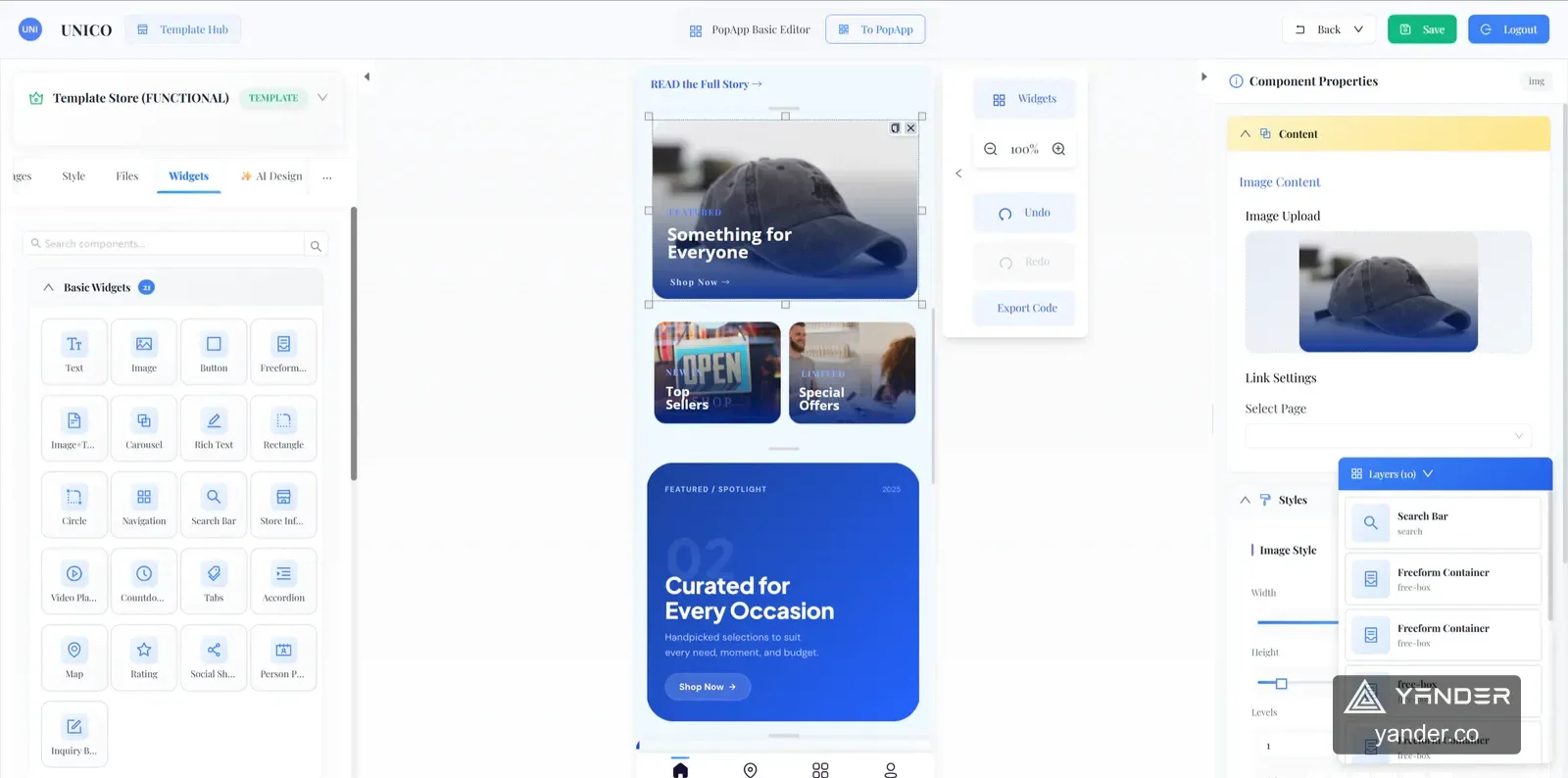
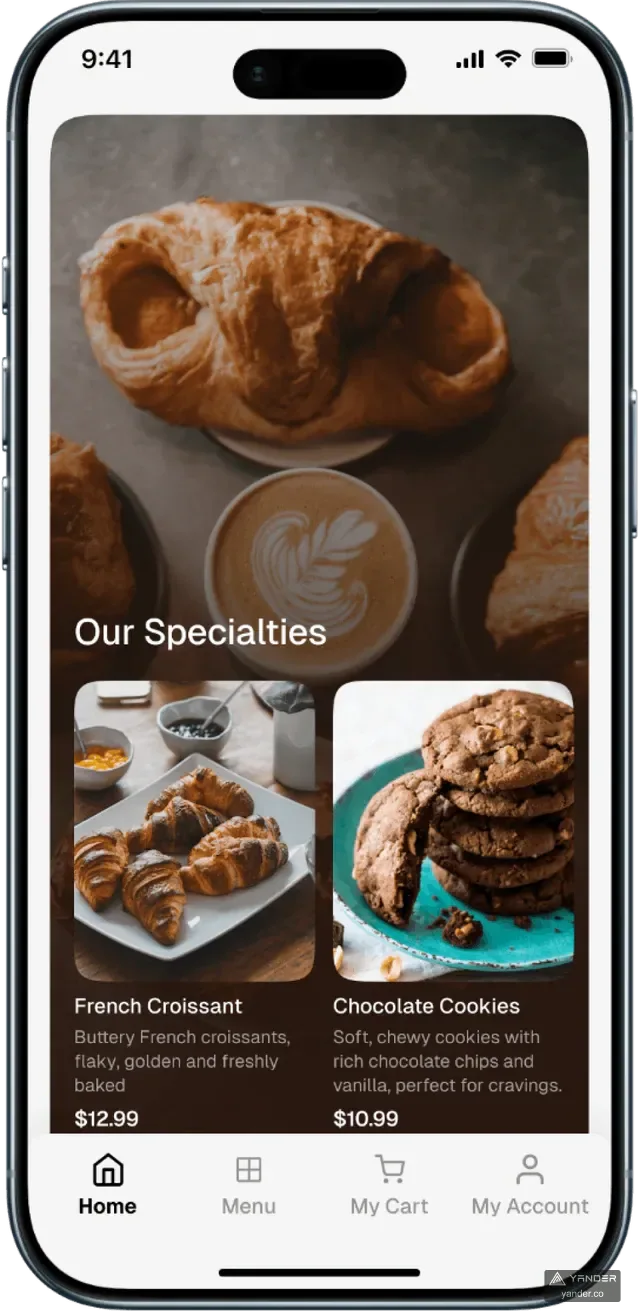
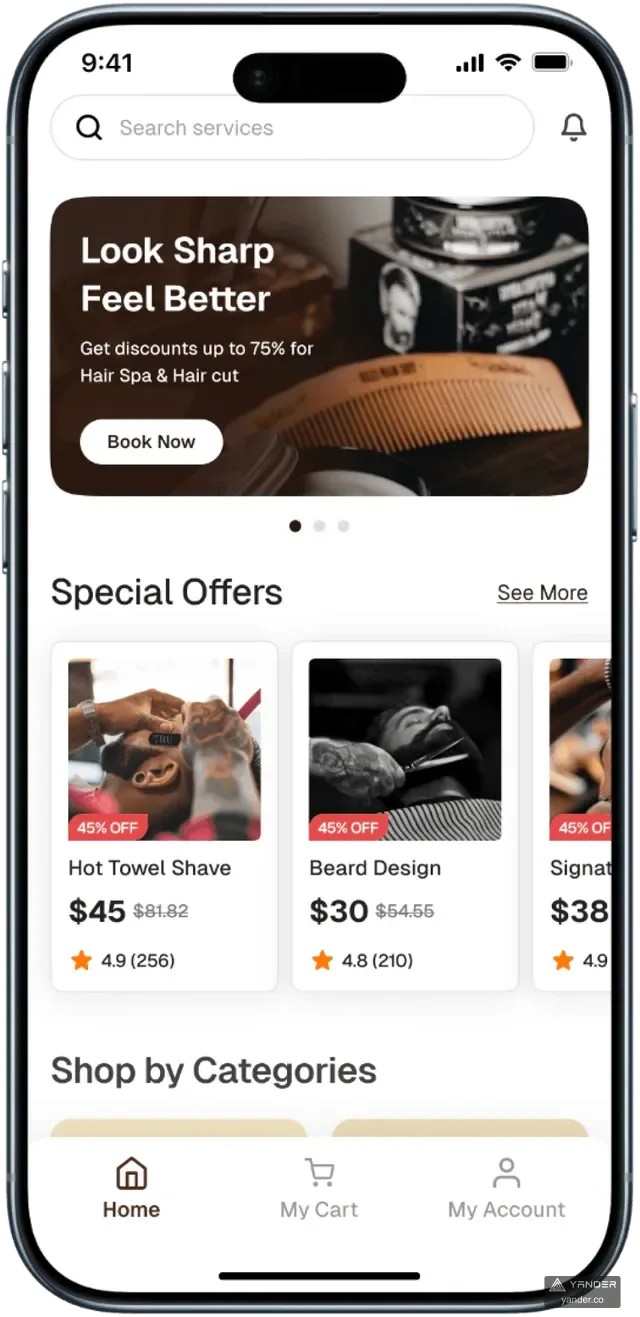
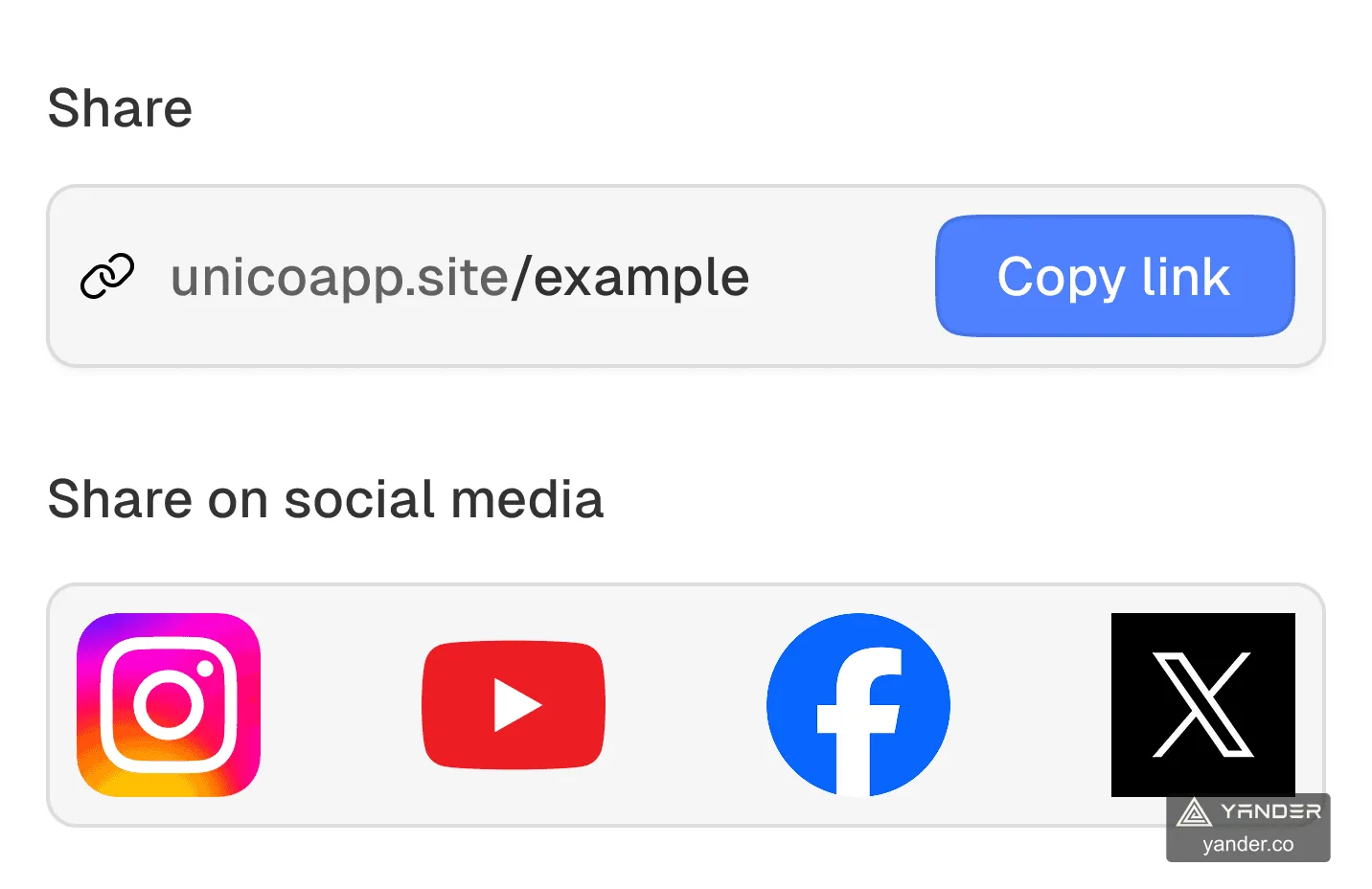
The full-width editor shows Unico’s component library, live mobile canvas, layers, and property controls together. Supporting screens cover the merchant dashboard, storefront templates, and sharing flow.
Product module
PopEventOne connected event flow from site and ticketing to on-site check-in
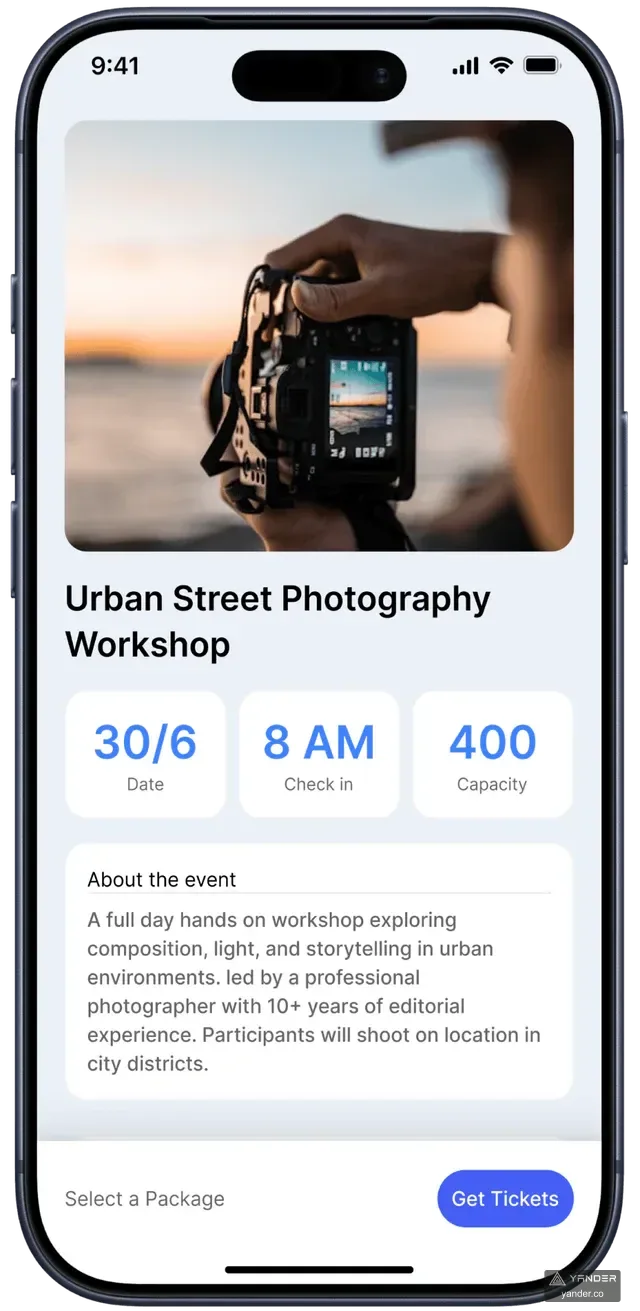
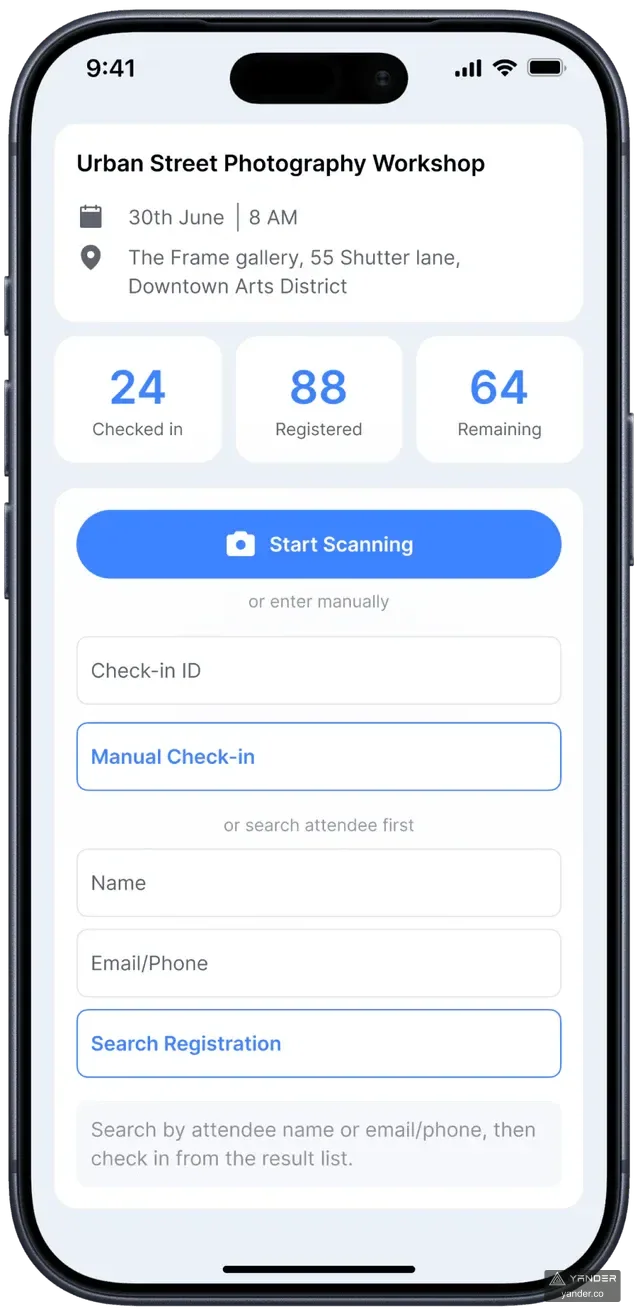
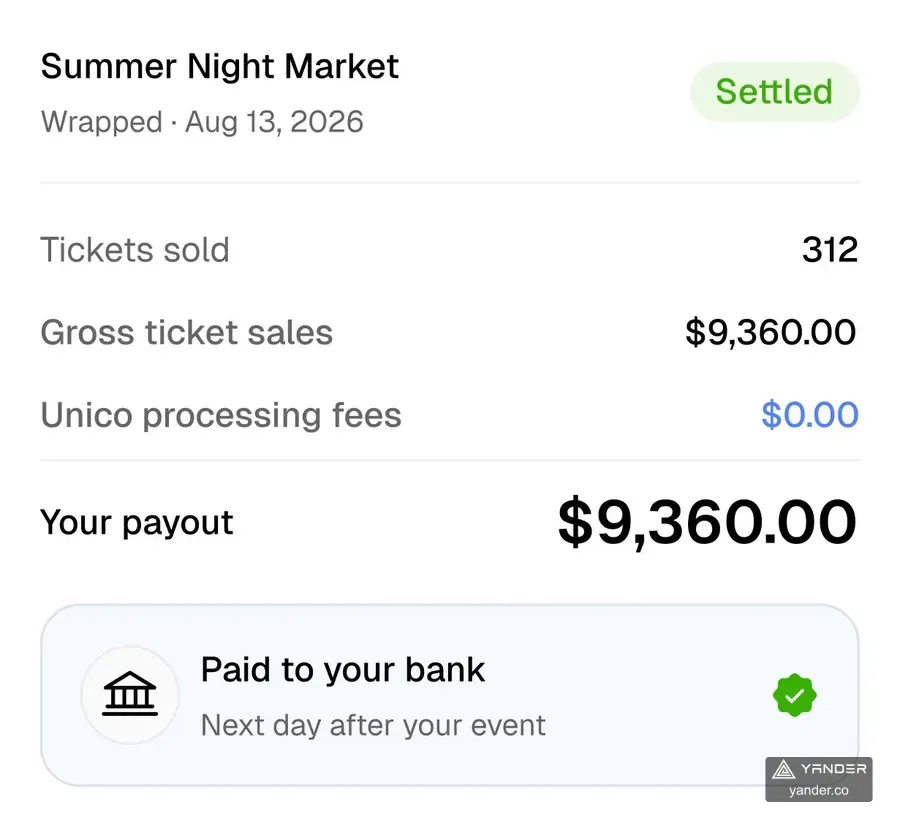
PopEvent gives organizers a customizable event website, ticket types and registration, QR check-in, live attendance counts, and ticket payments in one web experience with no app download.
Visit the PopEvent website- Visual event builder
- Built-in ticketing
- QR check-in
- Live attendance
- Event payments
The challenge
Replace fragmented tools without forcing merchants to rebuild how they work
A builder needs to produce pages that customers can use, while merchants need consistent records for bookings, orders, payment status and events. Layout freedom alone does not define what happens after submission. The product had to connect those customer actions to the merchant workspace without imposing an enterprise-sized operating burden.
The solution
Make the storefront and operating dashboard two sides of the same product
Use a shared product structure for editable storefront content and the business actions behind it. Customers open a branded storefront in the browser; merchants manage content, bookings, orders, customers and operating summaries in one dashboard. PopEvent extends the same customer-to-operations path through ticket registration, QR check-in and attendance review.
Platform system
Cover the full path from publishing a storefront to running the day
01
Customizable storefronts
Templates and drag-and-drop controls let merchants shape layout, content, colors, fonts, services, products, and pricing without coding.
02
Bookings and orders
Service providers and pickup or delivery merchants can receive structured customer requests instead of reconstructing them from messages.
03
Unified operations
Bookings, orders, customers, inquiries, promotions, storefront updates, and performance summaries stay visible in one merchant workspace.
04
Flexible payment and distribution
Merchants can support card payments or transfer options, then share the storefront through a link, QR code, or social channel with no customer download.
Product outcome
A connected surface from first customer visit to daily merchant operations
The public product experience positions Unico as a practical operating layer for independent businesses: easy for customers to open, adaptable enough to reflect a brand, and structured enough to reduce manual coordination.
- One link
- A storefront that opens in any browser
- 2 flows
- Service booking and product ordering
- No download
- Lower friction for every customer visit
Project record
Original product work designed and developed by Yander
This case documents the product scope, interface design, and engineering work Yander delivered for the client using project screens, recordings, and delivery materials.
- Portfolio record
- Original design and development work delivered by Yander
- Live product
- unico-app.com
- Project date
- Not publicly disclosed
- Production stack
- Only technologies named in this case are published; the complete stack is not disclosed
- Client-approved testimonial
- Not publicly disclosed
- Measured before/after results
- Not publicly disclosed
Case FAQ
What is Unico PopApp designed for?
It is designed for sole proprietors and small businesses that need a customizable web storefront plus booking or ordering, customer management, payments, and day-to-day operations.
Do customers need to install an app?
No. The storefront opens in a web browser and can be shared through a link, QR code, social media, or direct message.
Which payment approaches does the public product support?
Unico’s public website describes online card payments through Finix and flexible transfer options such as Zelle and Venmo.
What delivery scope does the Unico case illustrate?
The published case covers the visual storefront builder, browser-based booking and ordering, merchant operations, payments and the PopEvent event module. These connected customer and merchant flows are the basis for discussing a similar project; the exact features, integrations, ownership and support must be agreed for each engagement.
What should a team prepare before commissioning a storefront SaaS?
Map one merchant type and one customer action from page entry to fulfillment. Bring sample products or services, booking or order rules, payment and refund requirements, admin roles and existing system dependencies. If AI will generate pages, also define the editable component model and how a generated page is reviewed before publishing.
Next case study
KIMEO AI
Planning a builder or commerce SaaS?
Connect the page users create to the work it triggers.
Share your merchant type, first customer journey, order or booking rules and payment needs. We can define a first release that covers the customer interface and the operations behind it.
Discuss your SaaS workflow