AI App MVP Scope and Operating Costs: A Founder’s Checklist

6 min read
Quick answer
Scope an AI app MVP around one complete task: input, processing, result, correction, and recovery. Include the account and operating controls that the first users need to finish that task.
Estimate model activity, retries, storage, infrastructure, and support separately from development. Use sample tasks and explicit usage assumptions; this worksheet does not predict accuracy, revenue, or a fixed price.
- Agree representative evaluation examples and release criteria.
- Record usage limits, data responsibilities, and an operating owner.
An impressive result on one prepared input leaves important product questions open. The first release also needs to handle weak inputs, waiting, correction, and a customer returning later.
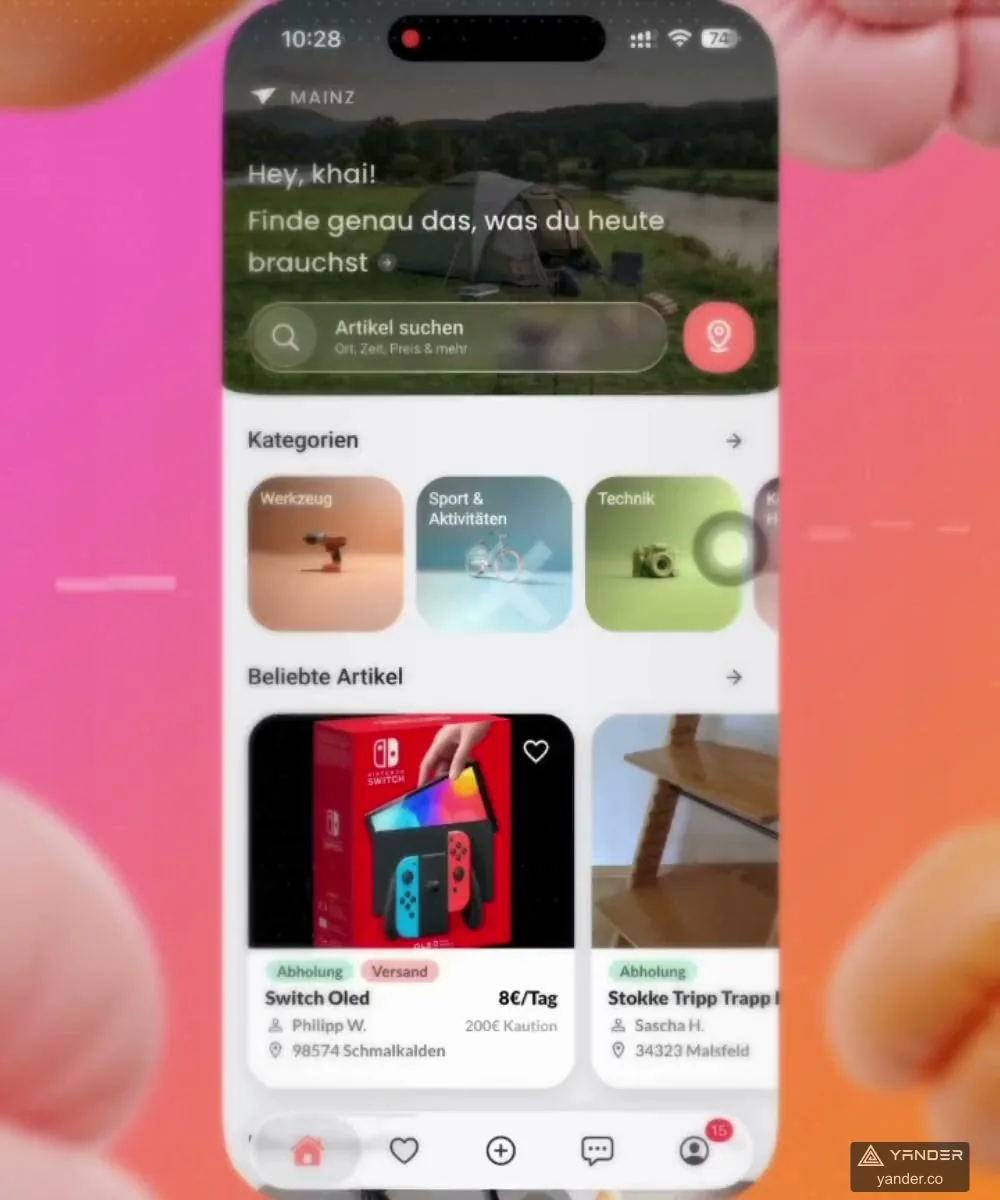
The ImageAI and AI Math Tutor references below show different creation and learning journeys. Use their published scope to ask better questions, then measure your own sample tasks.
Choose one job with a clear result
Write one complete customer journey: capture an input, submit it, wait or leave, inspect the result, correct it and save or use it. Decide which audience has this problem often enough to test the product.
A broad assistant can hide uncertainty about the first valuable job and make quality hard to measure.
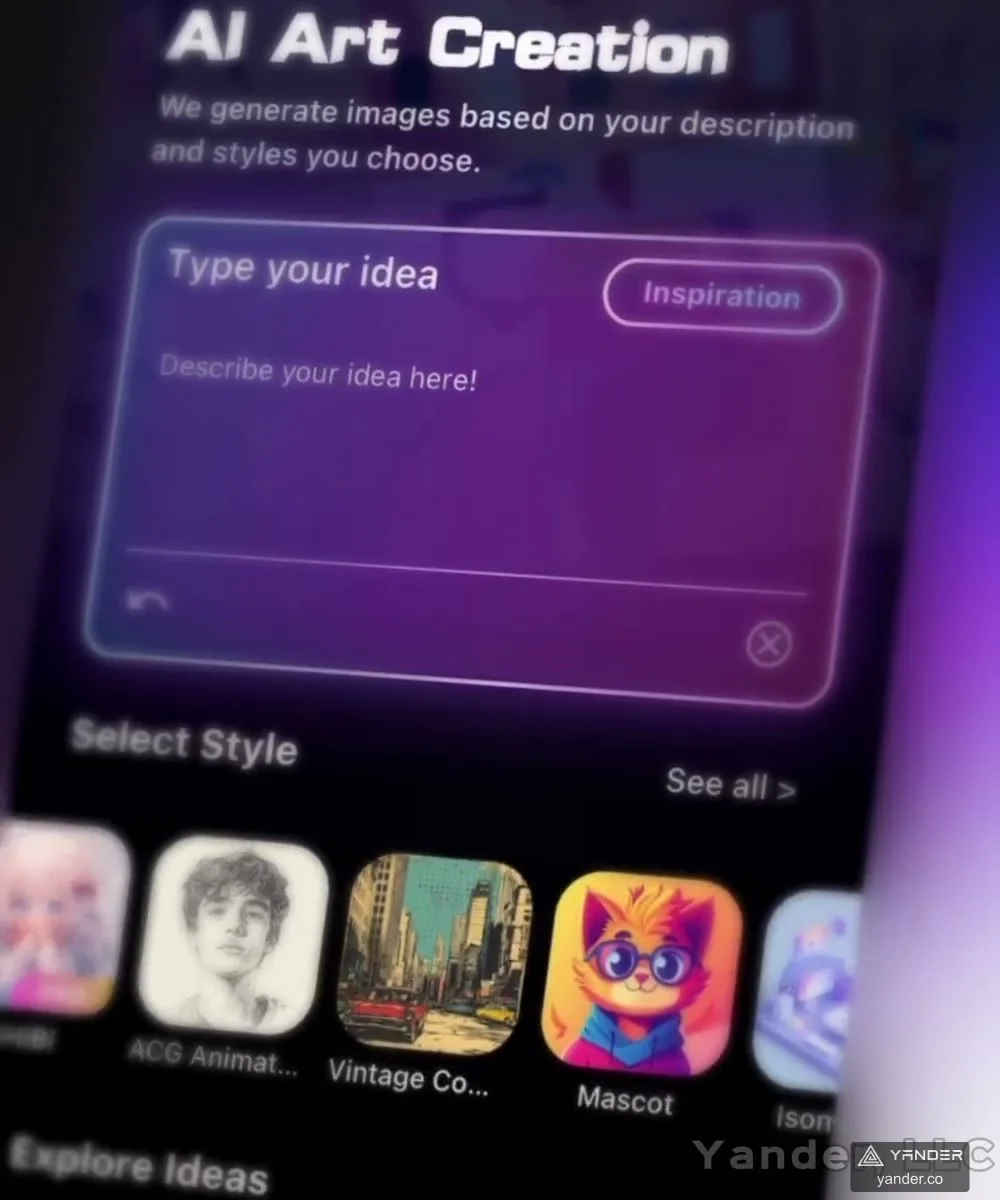
In ImageAI, prompts and style discovery lead into generated images, variations and local editing. The AI Math Tutor case connects photo or handwritten input with editable recognition, ordered explanations and follow-up tutoring.
These are distinct workflows; combining every capability at launch is not required.
Define the first release as the smallest journey that remains useful, including recovery and basic support. Mark extra input formats, additional model choices, social features and advanced editing as separate decisions.
A smaller scope is valuable when it produces a clearer learning question, not merely fewer screens.
Turn quality expectations into an evaluation set
Gather representative inputs with permission to use them. Include common cases, difficult cases, invalid uploads and examples where a plausible result would still be unacceptable.
Define what a usable answer or image means for this task, who reviews it and how disagreements are resolved.
Evaluate the whole workflow, not only the model response. Recognition errors, missing context, confusing controls and a failed save can make an otherwise good result unusable.
For a learning product, check whether users can inspect the recognised problem and understand the explanation. For creative tools, assess whether refinement controls preserve the intended change.
Keep a versioned test set and record changes to prompts, models and application logic. Compare quality, waiting time and operating cost before making a change available to everyone.
Decide which failures should produce an explanation, a retry, a human review or a refusal to proceed.
Design request states and access rules
Specify what happens between tapping submit and receiving a result. An image upload can fail, a task can queue, a customer can close the app, or a provider can become unavailable.
The app and backend need a shared record of task status so returning users can understand what happened without repeatedly spending a credit.
Separate account access, paid entitlement and task execution. Decide when usage is reserved, when it is counted, how cancelled or failed work is handled, and what support can inspect.
Communicate these rules in plain language near the relevant action and test them with retries and multiple devices.
If the product offers subscriptions or usage allowances, scope renewal, restored access, expiry and support cases as product work.
The appropriate purchase and payment setup depends on the platform, product and market; confirm it during discovery rather than copying a purchase flow from another app.
Estimate cost per useful outcome
Start with active users, tasks per user and the expected mix of operations. Then identify each billable activity inside a task: input processing, output generation, retrieval, images, audio or external tools where applicable.
Read the selected provider’s current billing definitions rather than assuming every operation uses one token-based rate.
For example, Google’s official Gemini API pricing page distinguishes model and service charges. Use the current terms for the providers you select; the worksheet should remain editable when prices, models or product behaviour change.
No provider rate is embedded in this guide.
Add storage, media delivery, database access, monitoring, payments and support. Track retries and unsuccessful work as well as successful results.
A cheap individual model call does not establish a low cost per useful customer outcome if users need repeated attempts or support to finish.
| Worksheet item | Assumption to record | Evidence to agree |
|---|---|---|
| Demand | Active users, tasks per user and peak concurrency | Low, expected, and high scenarios labelled as assumptions |
| Per-task work | Input size, output size, model mix and external operations | Measured billable activity for representative sample tasks |
| Recovery | Retries, failed tasks, duplicate requests and support actions | Observed attempts, failed work, and human correction effort |
| Other operations | Stored media, delivery, accounts, monitoring and support | Storage and service assumptions with a named operating owner |
Set data boundaries and usage controls
Map which inputs reach each provider, what your own system stores and who can access them. Decide what customers can delete and how long uploads, results and diagnostic records are retained.
Avoid copying sensitive customer content into unrestricted logs or support tools. Review the actual provider terms for the intended account and service.
Set practical controls around expensive or disruptive activity: input limits, concurrency limits, per-account allowances and spend alerts. Show users what to expect when a limit is reached.
Decide who can pause a feature or switch off a failing integration while keeping accounts and existing results accessible.
For products used by children or involving health information, identify the specialist privacy, safety and regulatory questions before committing to a public release.
A general AI model or an existing case study does not establish that a new application meets those requirements.
Agree the launch question and handover
Choose a small initial audience and an observable learning question: can they complete the core job, where do they abandon it and which failures create support work?
Review useful completions, task cost, response time and reported problems together. Downloads or generated outputs alone do not show that the product solves a repeatable need.
Include a lightweight operations view, provider configuration, release notes and a way to investigate a task without exposing unnecessary user data. Record who owns the code, infrastructure, model accounts and test set.
Agree responsibility for provider changes and app updates after handover.
Use the app development cost guide for the rest of the build budget and the company selection checklist for assessing delivery partners.
A founder should leave discovery with a bounded workflow, evaluation examples and an operating-cost worksheet that can change as evidence arrives.
Put this into practice
Explore the related work and delivery scope.
- Mobile app development
Plan the mobile experience, backend and operations.
- ImageAI creation app
See prompt, style, generation, refinement and subscription flows.
- AI Math Tutor
Explore recognition, inspectable explanations and learning continuity.
- Compare app development partners
Evaluate evidence, communication and handover.
- App development cost in China
Include the rest of the product and release budget.
- IoT companion app checklist
Use this when AI output depends on connected hardware.
Sources and scope
- ImageAI creation app
Published prompt, generation, variation, local-editing, and subscription flows. The case does not supply an operating-cost forecast.
- AI Math Tutor
Published input recognition, explanations, and follow-up learning flows. No universal accuracy claim is made.
- Gemini API pricing
Official model and service billing reference; checked 10 November 2026. Use current terms for the selected service; no rate is embedded here.
Define your AI app’s first useful workflow
Share a sample input, the desired output, intended users and any model or data constraints. We can work through the first release scope.
Discuss an AI app MVP