A Business Website Redesign Checklist

6 min read

Start a redesign by deciding what should work better for visitors and for the people maintaining the website. A new visual direction can help, but the brief also needs to cover content, enquiry or purchase journeys, editing and existing URLs.
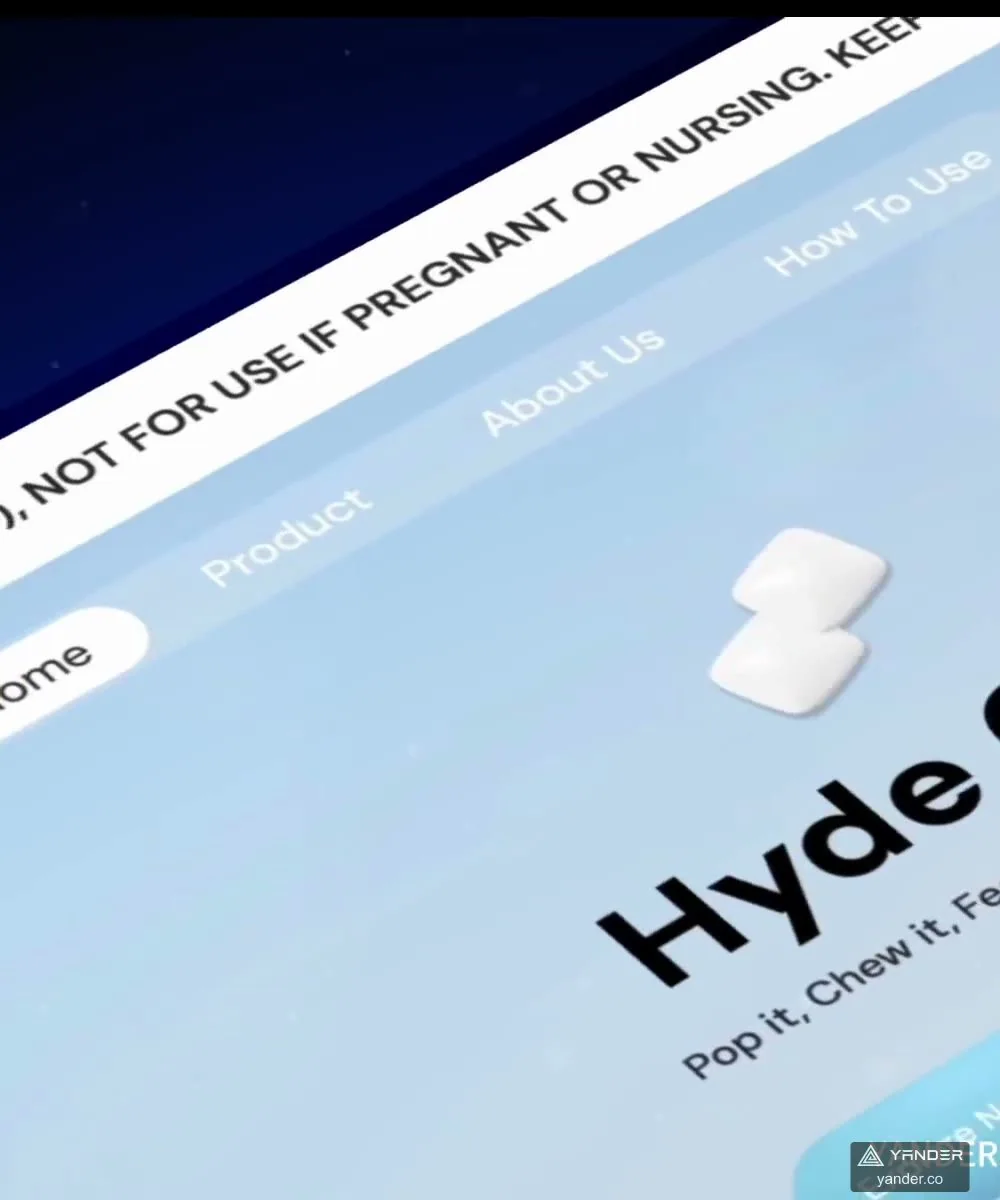
Our Academic Asia redesign connects services and practical tools across three locales. The Hyde storefront connects brand expression with product discovery. These examples illustrate different customer journeys, rather than one layout that every business should copy.
1. Record what exists before changing it
List current page URLs, the content owner, the customer purpose and the intended action. Save available Search Console and analytics reports by landing page. Separate brand searches from service or product searches, and note seasonal campaigns that may affect traffic.
Identify pages that support real enquiries or purchases, even when they do not attract many visits. Decide whether each page will be retained, improved, merged or removed. Keep the old-to-new mapping with the project brief.
2. Design around the next customer decision
For a company website, can visitors understand the offer, find credible examples and contact the right team? For an online store, can they compare products, choose variants and continue to the agreed purchase flow? Review these tasks on a phone as well as a desktop.
Academic Asia’s published work includes a school directory, events and an entry-age calculator. Those tools support decisions specific to an education consultancy. Identify equivalent useful tasks for your business before commissioning additional pages or animations.
3. Agree content, CMS and language responsibilities
Inventory copy, product data, images, downloads, directory entries and events. Give each item an owner and an approval date. Rebuilding layouts around unfinished content often shifts the work and schedule rather than removes it.
Define which content editors can change, how language versions stay aligned, and who reviews updates. A new multilingual site needs appropriate language URLs and links between versions that actually exist. Migration, CMS roles and editor training should be explicit deliverables.
| Decision | Evidence to prepare |
|---|---|
| Content | Retained pages, revised text, assets, product or directory data and owners |
| CMS | Editable fields, roles, approval needs and handover tasks |
| Languages | Page coverage, translation owners and review process |
| Integrations | Form destinations, CRM fields, booking or commerce requirements |
4. Review the full enquiry or purchase flow
Test what happens after the main button is clicked. An enquiry needs an agreed destination and a visible success or failure state. Booking needs availability and confirmation rules. Commerce needs payment outcomes and order handling, including failed or interrupted attempts.
Use safe test data and provider test modes where available. Keep confirmation of a successful enquiry separate from a button click in analytics, and avoid sending form text or contact details as analytics event parameters.
5. Plan URLs, search checks and cutover
Keep useful existing URLs when possible. Map changed URLs to the closest relevant new page, test the redirects and avoid sending unrelated deleted content to the homepage. Review page titles, descriptions, canonical URLs, headings, sitemaps and language alternates on the actual exported website.
A redesign does not guarantee that positions or traffic stay the same. Record the launch date, check indexing and compare equal reporting periods afterward. Allow for processing delays and campaigns when interpreting changes.
6. Accept the website with a concrete checklist
Before approving launch, review the items below with your website development team. Assign the launch owner, recovery plan and operating contacts so a good handover does not depend on one final call.
- Representative mobile and desktop tasks work without horizontal overflow.
- Forms, booking and payment outcomes reach the agreed systems.
- Important old URLs, internal links, language routes and downloads resolve correctly.
- Editors can complete an agreed update and understand the content workflow.
- Domains, hosting, source code and service accounts have the agreed owners.
- Backups, monitoring, correction support and future change requests have named responsibilities.
Put this into practice
Explore the related work and delivery scope.
- Website design & development in Guangzhou
Explore corporate websites, ecommerce scope, English collaboration and handover.
- Hyde: a DTC storefront
See product storytelling, responsive frontend work and the published test example.
- Academic Asia: a multilingual redesign
See the three-locale website, school directory, events and entry-age calculator.
- Choosing a Guangzhou web development team
Continue preparing your website brief.
- Business website cost factors
Continue preparing your website brief.
Discuss your website project
Share your current URL, target customers, required languages and the action the website needs to support.
Send a website brief