Before an AI workflow goes live: evaluation, human review, and recovery

6 min read
A successful demonstration answers whether a workflow can work on one prepared input. A launch decision also needs evidence about incomplete inputs, wrong results, system failures, and the person who will handle each exception.
For a team commissioning an AI workflow or FDE engagement, the useful handoff is a system people can run. Use this checklist to agree on evaluation examples, approval boundaries, recovery behavior, and operating ownership before a pilot expands.
Define the task and its acceptance rules
Name the workflow owner, the starting event, permitted input sources, expected output, and the action that follows. Distinguish a draft that helps a person decide from an action that changes a record or sends information to someone else.
Write acceptance rules in task terms. A useful extraction might require specific fields and source references; a drafting tool might require a reviewable proposal with no unsupported commitments. Define what must trigger rejection or a request for more information.
Build a small, inspectable evaluation set
Collect representative examples with permission to use them. Include normal cases, missing information, long inputs, conflicting evidence, and examples that should be refused or routed to a person. Keep expected decisions or review criteria beside each example.
Run the same set when prompts, retrieval, models, or workflow rules change. Record the version, reviewer decision, failure type, and correction effort. Aggregate measures help compare releases, but a serious individual failure still needs examination.
Do not reduce a launch decision to a single average score. Agree with the workflow owner which mistakes block release, which can be caught through review, and which need a product change. Quality, time, and recurring cost must be evaluated on the same task.
Make human review a defined step
Assign the reviewer by role and give them enough context to judge the proposal: source material, changes, uncertainties, and the action’s scope. An approve button alone does not create meaningful review.
Decide when approval is required, whether the reviewer can edit or decline, and what happens when nobody is available. For actions with external consequences, test the approval boundary using a proposed action that should not proceed.
- Show the exact record, message, or artifact that would change.
- Keep approval tied to the version that was reviewed.
- Define a route for ambiguous or unsupported requests.
- Specify what the workflow may do while review is pending.
Design recovery before the first live failure
A task can fail before a provider responds, after a response is stored, or while a downstream system is being updated. Keep a durable job state and define which operations can safely retry. Repeating an external side effect can be more harmful than a failed request.
Give the operator an understandable status and next action. A timed-out job might need a retry; missing source access needs permissions fixed; a low-quality result needs correction or a manual path. Avoid telling users to repeat the same action when it cannot solve the underlying problem.
Test provider interruption, a repeated notification, expired access, and a downstream outage. Agree on cancellation, retry limits, and reconciliation of uncertain outcomes with the delivery team.
Release with an owner and an exit path
Start with a bounded group and a defined workflow. Assign who watches failures, who can pause execution, and where operators report issues. Record the baseline manual process so the team can continue if the automated path is unavailable.
A useful handoff includes a runbook, evaluation examples, known limitations, environment access, and a named maintenance arrangement. Use observed completion, correction effort, exception volume, and operating cost to decide whether the pilot is ready to expand.
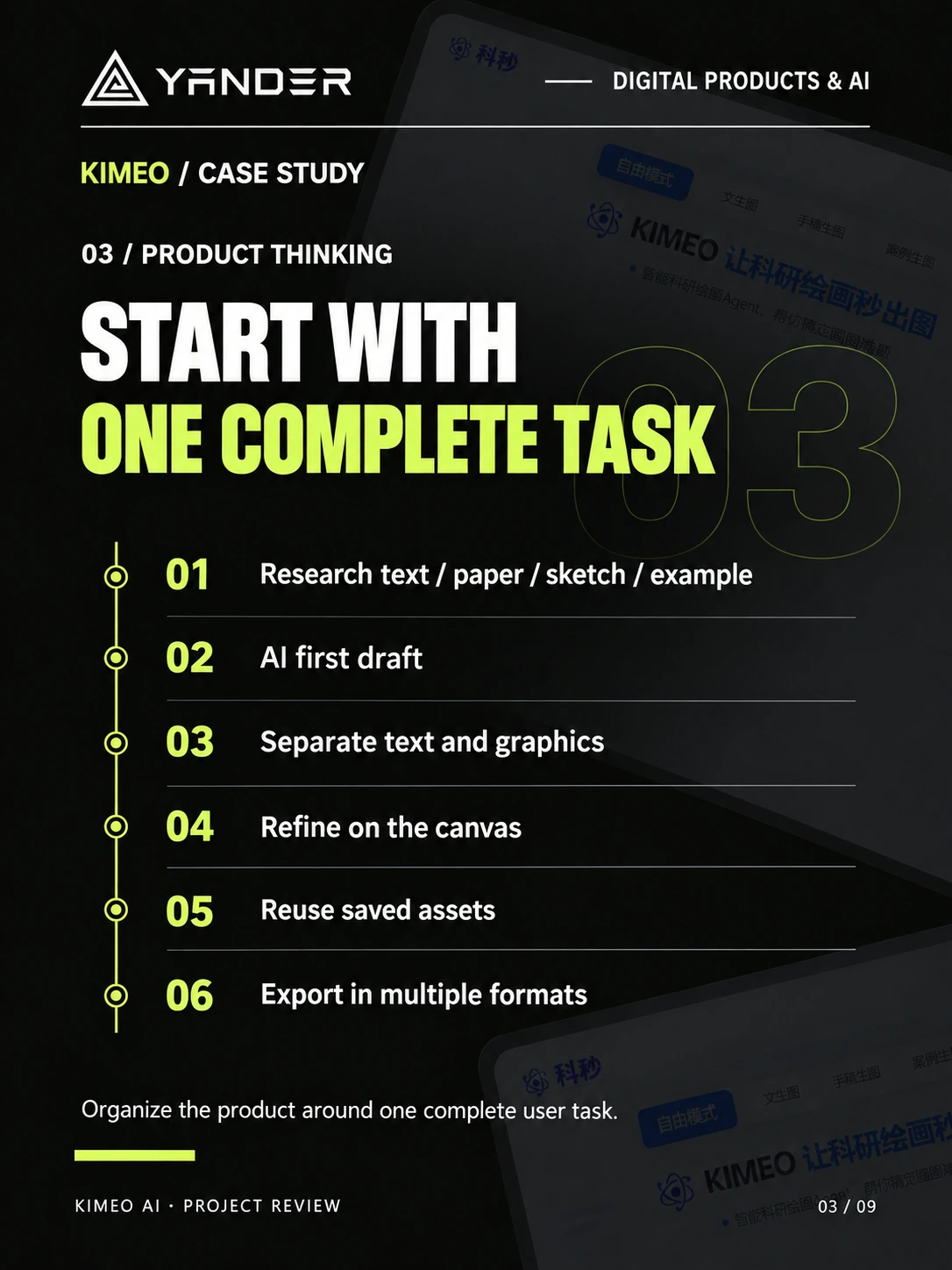
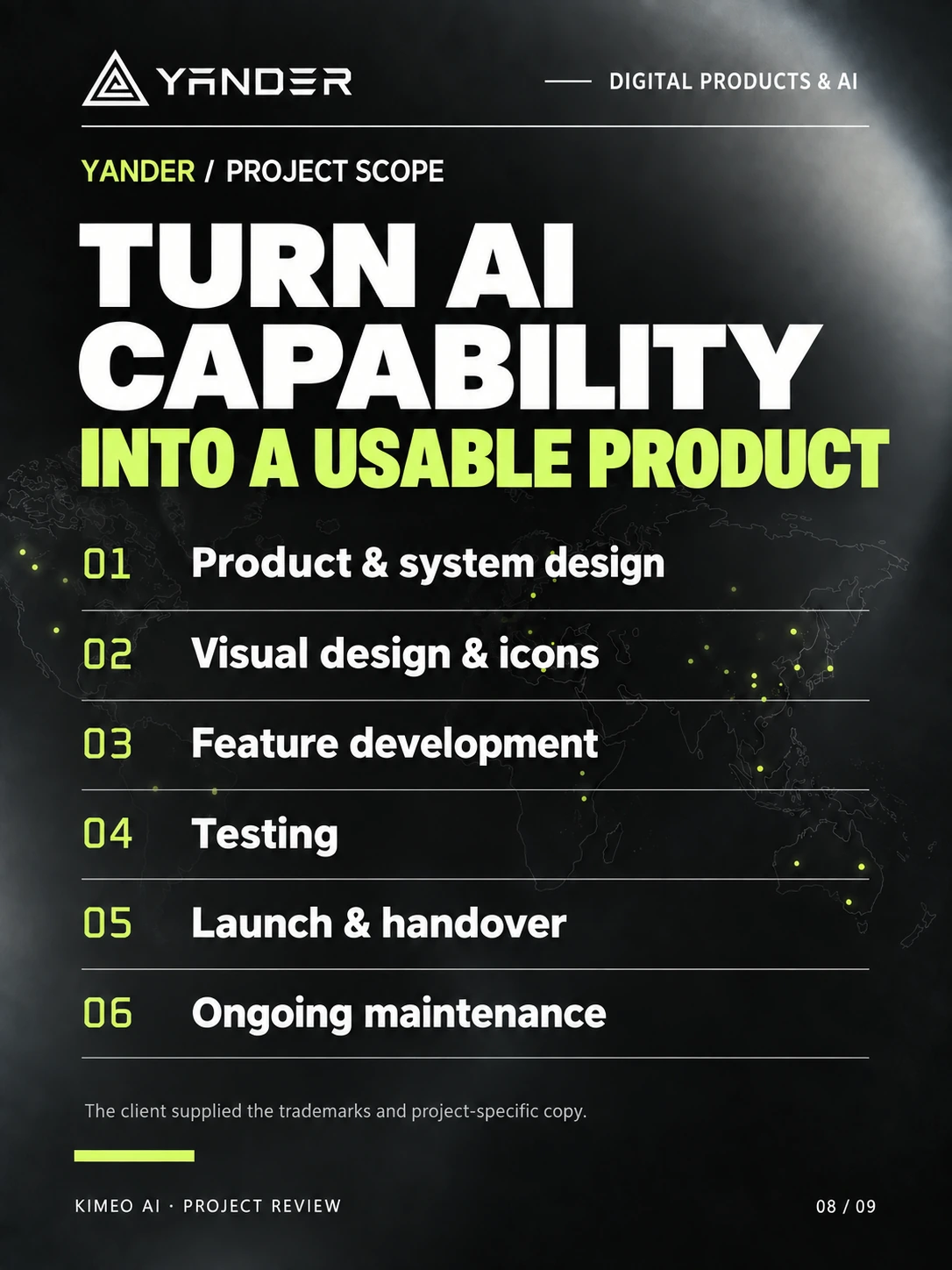
The KIMEO project includes testing, launch, and maintenance in its documented delivery scope. Its published case does not disclose an internal evaluation process; the checklist here is guidance for agreeing the requirements of a new workflow.
Put this into practice
Explore the related work and delivery scope.
- AI FDE and workflow delivery
Discuss the systems, data, evaluation, and handoff around an AI workflow.
- Scope an AI SaaS MVP
Bring evaluation and operating requirements into the initial estimate.
Define what your AI workflow needs to go live
Share the task, source systems, proposed actions, and who will operate the result. We can discuss a bounded pilot and its handoff requirements.
Discuss an AI workflow